
Browser pixels now miss between 30 and 50 percent of conversion events. Ad blockers reach 29.5% of internet users globally, and roughly 60 to 65 percent of iOS users decline Apple’s App Tracking Transparency prompts. That data loss hits your Facebook analytics setup before you’ve chosen a single tool.
The debate between native Facebook analytics and third-party tracking tools often gets framed around features: one has competitive benchmarking, the other has real-time campaign data. But the underlying problem runs deeper than features. Both approaches pull from the same shrinking pool of user events. Knowing which setup to invest in means understanding where each one actually draws its data from, and where neither can compensate for what’s already lost.
There’s a specific decision that separates marketers with reliable attribution from those watching campaign dashboards that no longer reflect reality. It’s not about which analytics tool you use. It’s about whether your tracking architecture closes the gap at the source.
Native vs Third-Party: The Real Trade-off
Most comparisons of native versus third-party Facebook analytics tools focus on feature differences. That misses the more important structural question.
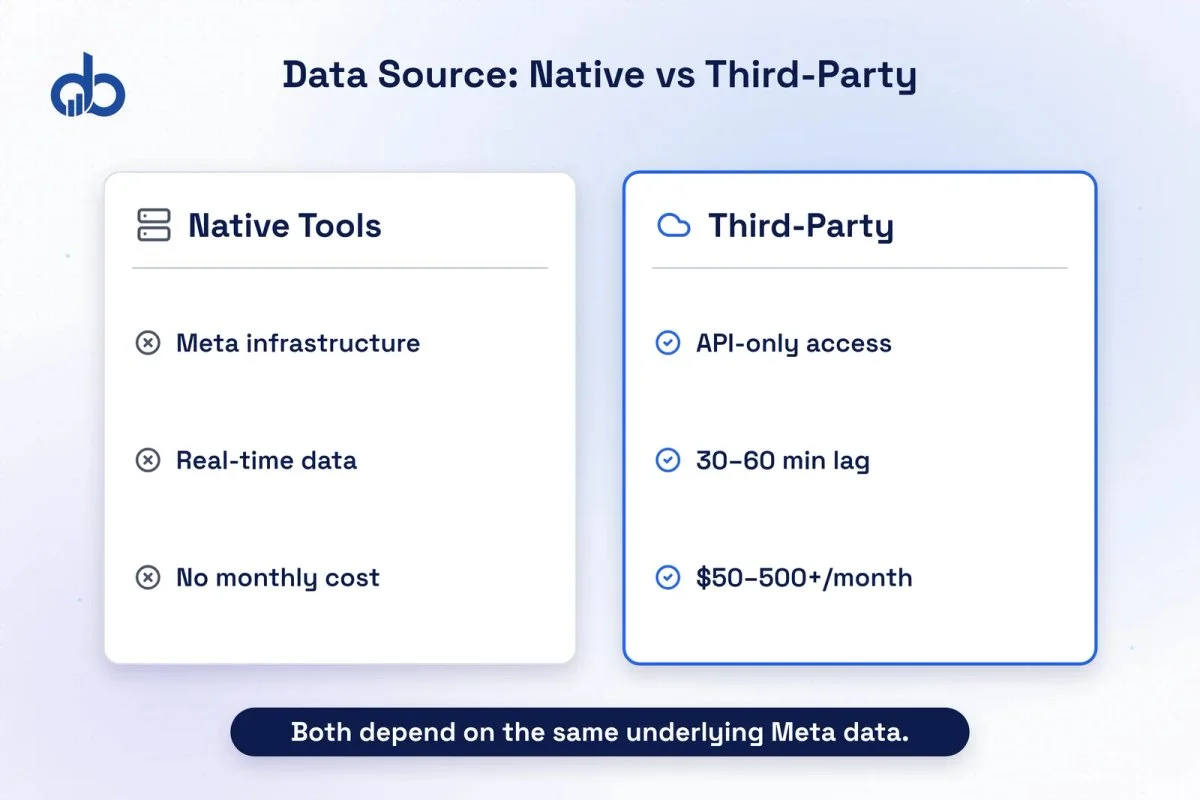
Meta’s native tools, including Ads Manager, Meta Business Suite, Events Manager, and the Meta Pixel, pull data directly from Meta’s infrastructure. No API intermediary. That means Meta sees signals that external platforms simply can’t access, including modeled conversions, server-to-server data from the Conversions API, and behavioral patterns across Meta’s own properties.
Third-party tools connect to Meta’s Marketing API. Whatever Meta chooses to expose through that API is what third-party platforms can report on. When Meta deprecated its 7-day view and 28-day attribution windows in January 2026, every third-party platform that depended on those API endpoints lost that data overnight, just like native users did, but often with more confusion because the data had been embedded across custom dashboards and reports.
Here’s the first trade-off that actually matters: native tools give you the most complete view of Meta-specific data. Third-party tools give you a broader view across platforms and a more flexible reporting layer, but they’re constrained by what Meta allows through its API.
| Feature | Native Facebook Tools | Third-Party Tools |
|---|---|---|
| Cost | Free | $50–$500+/month |
| Data source | Meta infrastructure (most complete) | Meta Marketing API (restricted) |
| Real-time data | Yes | API lag (30–60 minutes typical) |
| Cross-platform reporting | No | Yes (Meta + Google + email) |
| Competitive benchmarking | No | Yes (for public page data) |
| Longer data history | Limited | Varies by platform |
| Affected by API deprecations | Yes | Yes (more disruptive) |
| Setup effort | 30–60 minutes | 2–8 hours + ongoing maintenance |
The table above clarifies something many buyers overlook: both tool types are vulnerable to the same platform-level restrictions. The difference is who handles the disruption when Meta makes changes.
Native Facebook Analytics: Where It Genuinely Wins
Third-party tools get recommended so frequently that native Facebook analytics gets underestimated. For a specific set of marketing operations, it remains the stronger choice.
What native tools give you:
- Ads Manager delivers real-time campaign performance data with no API lag. When you’re adjusting bids mid-campaign, 30 minutes of latency matters.
- Meta Business Suite consolidates page management, inbox, and scheduled posts with basic engagement metrics across Facebook and Instagram.
- Events Manager shows exactly which events are firing, with diagnostic tools for troubleshooting Pixel and CAPI events in real time.
- Zero cost. Native tools come included with every Meta ad account. There’s no tier where you pay more for deeper data.
- First-party Meta signals. When Meta’s modeled conversions fill in for events it couldn’t track directly, that modeling stays inside the native reporting environment. Third-party tools receive only the attributed conversions Meta chooses to share via API.
The Conversions API Gateway is worth flagging here specifically. Meta offers a no-code CAPI setup through the Gateway option, which means you can implement server-side tracking without dedicated developer resources. This changes the native vs third-party cost calculus considerably: you can close most of the tracking gap within the native ecosystem, for free.
When native tools are the right call:
- Your ad spend is under $10K/month and you don’t need cross-channel reporting
- Your team primarily optimizes within the Meta platform and doesn’t run Google Ads or email attribution in parallel
- You want the fastest path to server-side tracking without adding a monthly subscription
- You need real-time data for active campaign management
Not sure if your current Facebook analytics setup is capturing what it should? Get Free Marketing Audit
Third-Party Facebook Analytics Tools: What They Actually Add
The use case for third-party tracking tools is not that they give you better Meta data. They don’t. They give you things native tools are structurally unable to provide.
Competitive benchmarking is the clearest gap. Meta’s native tools only show you data for pages and ad accounts you own. Third-party platforms like Socialinsider and Sprout Social can surface engagement rates, content frequency, and post performance for competitor pages, public data that becomes meaningful when aggregated at scale.
Longer data history and flexible retention is another practical advantage. While Meta’s native tools have retrieval limits that vary by metric type, platforms like Sprout Social historically had access to data going back to 2011 through Meta’s API. That longer window matters for trend analysis and year-over-year reporting.
Cross-platform data aggregation is where third-party tools earn their subscription cost for multi-channel teams. Running Meta alongside Google Ads, email campaigns, and organic social is common at the $10K+ monthly spend level. Native Facebook analytics won’t tell you how a Facebook campaign influenced a Google-attributed conversion. Third-party attribution platforms can model that relationship.
Content performance tagging is a capability Meta Business Suite doesn’t offer. Teams running content-heavy social strategies use third-party tools to tag posts by format, topic, or campaign pillar, then pull reports that show which content categories drive the most reach or engagement. This kind of analysis isn’t possible natively.
What third-party tools cannot fix: the underlying data gaps created by ad blockers, iOS privacy restrictions, and Meta’s API limitations. Those restrictions apply regardless of which tool sits on top of the data.
| Third-party tools add | Third-party tools cannot fix |
|---|---|
| Competitive benchmarking | iOS ATT opt-out data loss |
| Longer historical data | Ad blocker conversion gaps |
| Cross-platform attribution | Meta API access restrictions |
| Content tagging and pillar analysis | Attribution window deprecations |
| Custom reporting and dashboards | Server-side event tracking |
Head-to-Head: Data Accuracy and Attribution
This is where the native vs third-party comparison breaks down entirely, and where the real tracking decision lives.
Both native and third-party tools suffer from the same foundational data problem. Browser pixels miss 30 to 50 percent of conversions because of ad blockers, Safari’s Intelligent Tracking Prevention, and iOS App Tracking Transparency opt-outs. That’s not a Meta Pixel problem or a third-party reporting problem. It’s a browser-based tracking problem that no analytics layer can solve on its own.
Swapping from native reporting to a third-party attribution platform does not recover those missed events. Both tools are counting from the same incomplete signal.
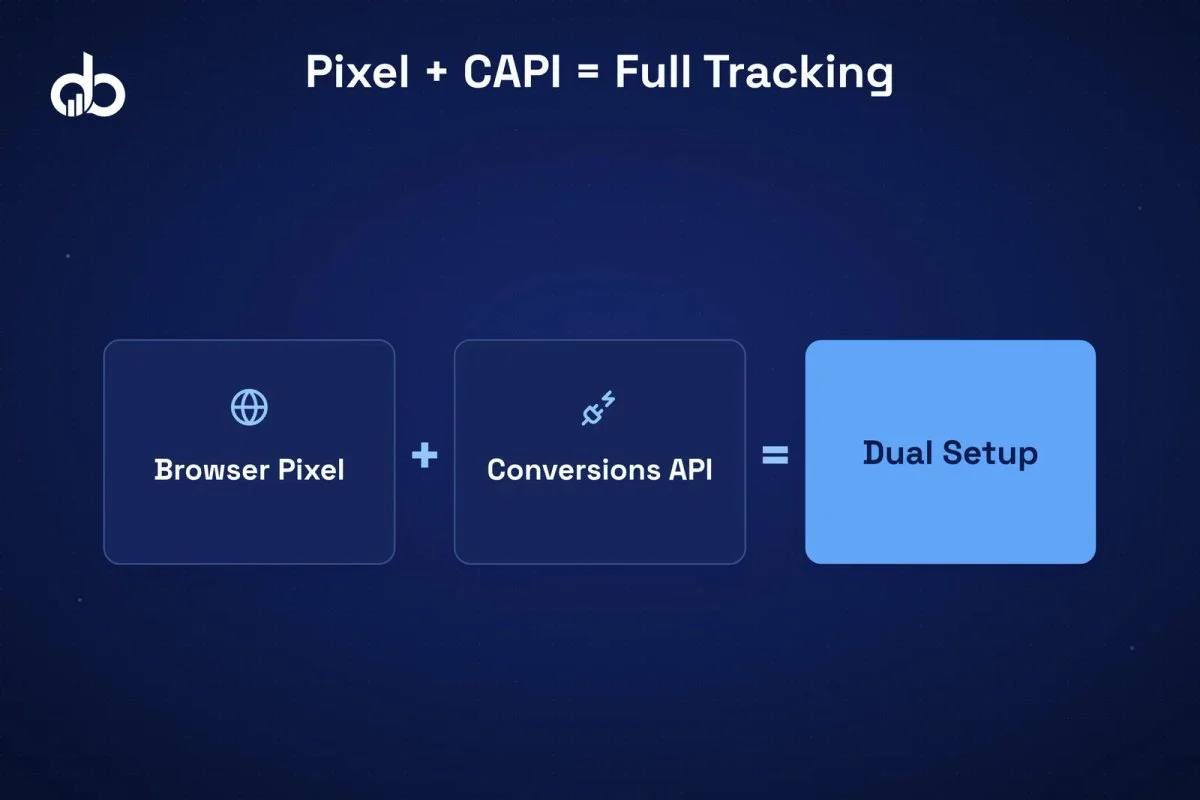
Here’s what actually closes the gap: server-side tracking via Meta’s Conversions API. By sending conversion events directly from your server to Meta, you bypass the browser-based restrictions that block pixel fires. The Facebook Pixel and CAPI working in combination (commonly called the “dual setup”) allows Meta to deduplicate events and surface more complete attribution. Meta’s own documentation recommends this redundant setup for businesses where conversion accuracy is a priority.
Third-party tracking tools like Northbeam, Triple Whale, and Rockerbox solve a different problem. They provide multi-touch attribution modeling across channels, useful when you’re allocating budget across Google, Meta, email, and organic. But they still depend on the event data that flows to them. If your Facebook Pixel is missing 40 percent of purchase events, those third-party attribution models are built on 60 percent of the picture. Adding CAPI first makes the third-party attribution data more reliable, not the other way around.
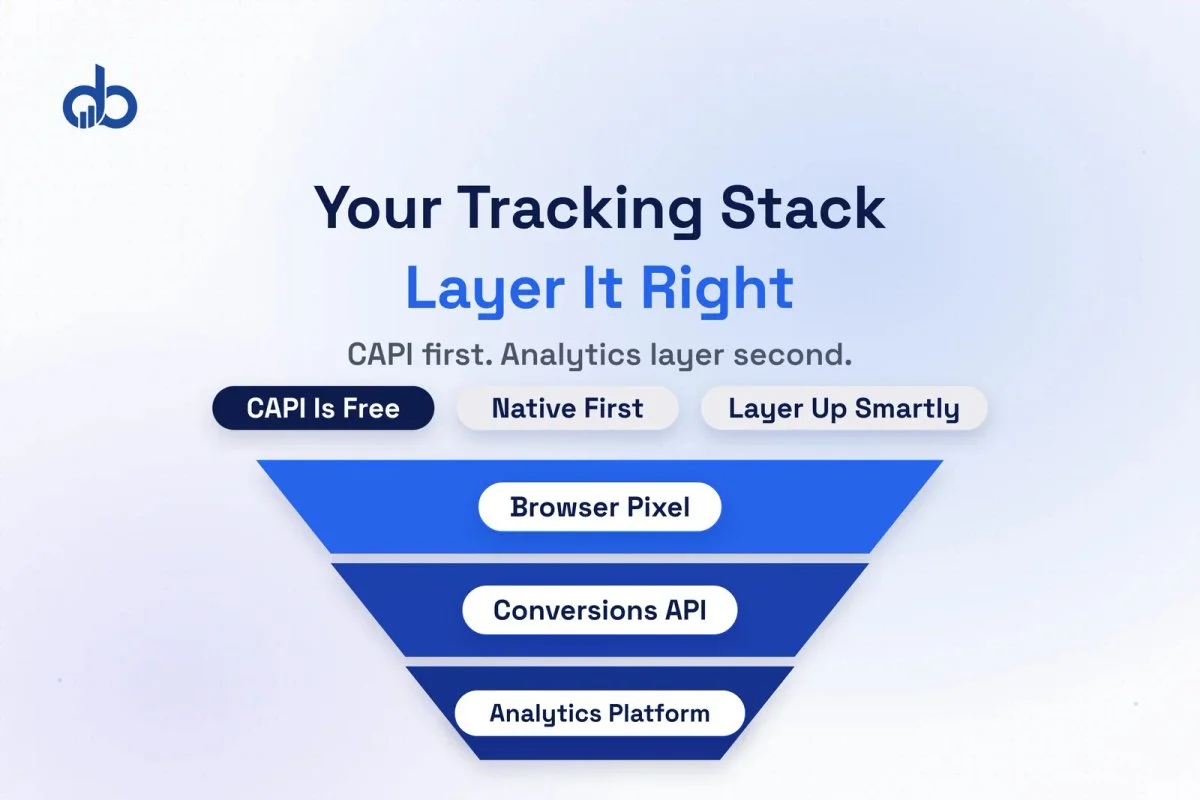
Pro tip: The sequence matters. Implement CAPI before evaluating third-party attribution tools. Running a third-party platform on top of browser-only Pixel data gives you sophisticated-looking reports built on fundamentally incomplete inputs. CAPI first, analytics layer second.
Head-to-Head: Setup Complexity and Cost
The practical gap between native and third-party setups is larger than most comparison articles acknowledge.
Native Facebook analytics setup:
- Facebook Pixel: 20–30 minutes via tag manager or direct code installation
- CAPI Gateway (no-code): 60–90 minutes, no developer required
- CAPI custom integration: 4–16 hours with developer resources, depending on platform
- Ongoing cost: Zero
- Ongoing maintenance: Events Manager diagnostic checks, metric updates when Meta deprecates fields
Third-party tool setup:
- API connection and authentication: 30–60 minutes
- Custom dashboard and report configuration: 2–6 hours
- Historical data import: varies by platform
- Monthly cost: $50–$500+ depending on platform and data volume
- Ongoing maintenance: Update configurations when Meta deprecates API fields; monitor for data discrepancies after Meta platform changes
The deprecation risk is real and recurring. Meta deprecated key engagement metrics in September 2024, additional Impressions data in early 2025, and Reach metrics in June 2026. Each change required third-party platforms to update their API integrations, and during those transition periods, data in custom dashboards simply went missing. Native users saw the same metric removals but with less downstream configuration impact.
The cost-benefit threshold:
For teams spending under $5K/month on Meta ads, paying $100–$300/month for a third-party analytics platform adds roughly 2–6 percent to your effective marketing cost for reporting. That’s hard to justify when the same budget could fund additional test campaigns.
Ready to audit your Facebook tracking stack before committing to additional tools? Get Free Marketing Audit
Which Facebook Analytics Setup Is Right for Your Budget and Scale?
The right Facebook analytics setup isn’t one-size-fits-all. But the answer isn’t “it depends” either. Based on ad spend level and team size, there are clear recommendations.
Under $5K/month: Native Tools + CAPI
Use Ads Manager and Events Manager as your primary reporting environment. Install the Meta Pixel and implement CAPI via the Gateway (no developer required). You don’t need third-party analytics at this stage. Adding them introduces cost and configuration overhead without proportional insight gain. Your focus should be on closing the tracking gap with CAPI, not adding reporting layers.
$5K–$30K/month: Native Tools + CAPI + Selective Third-Party
At this spend level, cross-platform visibility becomes valuable. If you’re running Google Ads and Meta in parallel, consider one third-party tool focused on cross-channel attribution or competitive benchmarking. Make sure CAPI is already implemented and sending clean data before layering a third-party platform on top. Without server-side tracking in place, the third-party tool is making attribution decisions from incomplete data.
$30K+/month: Full Stack
Native tools for campaign execution and real-time optimization. CAPI for data integrity and event completeness. Third-party attribution platform (Northbeam, Triple Whale, or equivalent) for multi-touch modeling and budget allocation decisions across channels. At this spend level, the third-party tool’s monthly cost is typically 0.5–1 percent of ad spend, and accurate attribution at scale is worth that investment. But CAPI is still the non-negotiable foundation.
Decision checklist:
- Do you need competitive benchmarking for competitor Facebook pages? → Third-party required (Socialinsider, Sprout Social)
- Do you run multiple ad channels and need unified attribution? → Third-party attribution tool recommended above $10K/month
- Is your current Facebook Pixel-only setup missing purchase events? → Implement CAPI before adding any analytics layer
- Are you paying for a third-party tool on top of browser-only tracking? → Fix the tracking foundation first
The choice between native and third-party tools matters less than whether your tracking setup is capturing the events that both tools depend on. Our Analytics & Tracking service audits your full Facebook tracking architecture, covering Pixel, CAPI, event configuration, and attribution settings, before recommending any additional reporting layer.
Conclusion
You can now walk into any conversation about Facebook analytics setup with a framework that most marketing teams are missing. The native vs third-party debate is largely a distraction when the underlying event data is incomplete. Server-side tracking via CAPI is the foundational fix; the analytics layer is a secondary decision. The gap between understanding this and actually implementing it correctly is where most teams stall. That’s exactly where Digiblazon’s Analytics & Tracking service fits in. If you want to know specifically what your current setup is missing, start with a Free Marketing Audit.
- Browser pixels miss 30–50% of conversion events — ad blockers affect 29.5% of users globally and 60–65% of iOS users decline App Tracking Transparency prompts
- Native Facebook analytics and third-party tools both depend on the same underlying event data — the real decision is not which tool you use but whether server-side tracking is in place
- Server-side tracking via Conversions API (CAPI) is the foundational fix; it bypasses browser restrictions and restores conversion signals both tool types require
- Third-party tools use the Meta Marketing API; native tools have direct infrastructure access — but both lose data from the same browser-level restrictions
- Under $5K/month in ad spend, native Ads Manager with CAPI is sufficient; above $10K/month and running multiple channels, add a third-party attribution layer
- Fix your tracking foundation before investing in any analytics reporting layer — incomplete event data makes every tool inaccurate regardless of cost
Frequently Asked Questions
What is the main difference between native Facebook analytics and third-party tracking tools?
Native Facebook analytics tools (Ads Manager, Meta Business Suite, Events Manager) have direct access to Meta's infrastructure and expose signals unavailable through the API, including modeled conversions and cross-property behavioral data. Third-party tools connect through the Meta Marketing API and are limited to what Meta exposes there. Both are affected by the same browser tracking restrictions — the more meaningful structural difference is whether your setup includes server-side Conversions API tracking, which closes the data gap both tool types face.
Why do browser pixels miss so many conversion events?
Browser-based pixels fire client-side, inside the user's browser. Ad blockers, which reach 29.5% of internet users globally, and iOS App Tracking Transparency prompts, declined by 60–65% of iOS users, both intercept or prevent these client-side scripts from firing. The result is 30–50% of conversion events going unrecorded before any analytics tool processes the data. Server-side tracking via Conversions API sends event data directly from your server to Meta, bypassing the browser entirely and recovering most of these lost conversions.
When does a third-party Facebook analytics tool become worth the cost?
Below $5,000 per month in ad spend, native Ads Manager with CAPI implemented is sufficient for most advertisers. Between $5,000 and $30,000/month, third-party tools become valuable when you run multiple ad channels and need unified attribution across Google, Meta, and email in a single interface. Above $30,000/month, a dedicated multi-touch attribution platform is generally warranted. Always fix browser pixel and CAPI implementation before adding a third-party reporting layer — the tool's accuracy depends on the quality of the underlying event data.
Does the Conversions API replace the Facebook Pixel?
No — CAPI supplements the browser pixel rather than replacing it. The recommended setup is parallel tracking: the browser pixel fires client-side for events the browser allows, and CAPI fires server-side for all events. Meta's deduplication logic matches events by event ID and removes duplicates automatically. This redundancy means you capture both events that succeed client-side and events that would otherwise be lost to browser blocking, without inflating your reported conversion numbers.
What happens when Meta changes its API — does that affect both native and third-party tools?
Yes, but third-party tools are typically more disrupted. When Meta deprecated its 28-day attribution window in early 2026, native users lost the window but saw immediate native replacements. Third-party platforms that had embedded that API data across custom reports had to push updates and required users to reconfigure dashboards. This is the structural trade-off of third-party flexibility: more powerful cross-channel reporting, but more exposure to upstream API changes that Meta controls.